Room.AI features
One space. More ways to see it.
Start broad, refine the details and keep your existing space at the center of every design conversation.
Choose the tool that matches the decision in front of you.
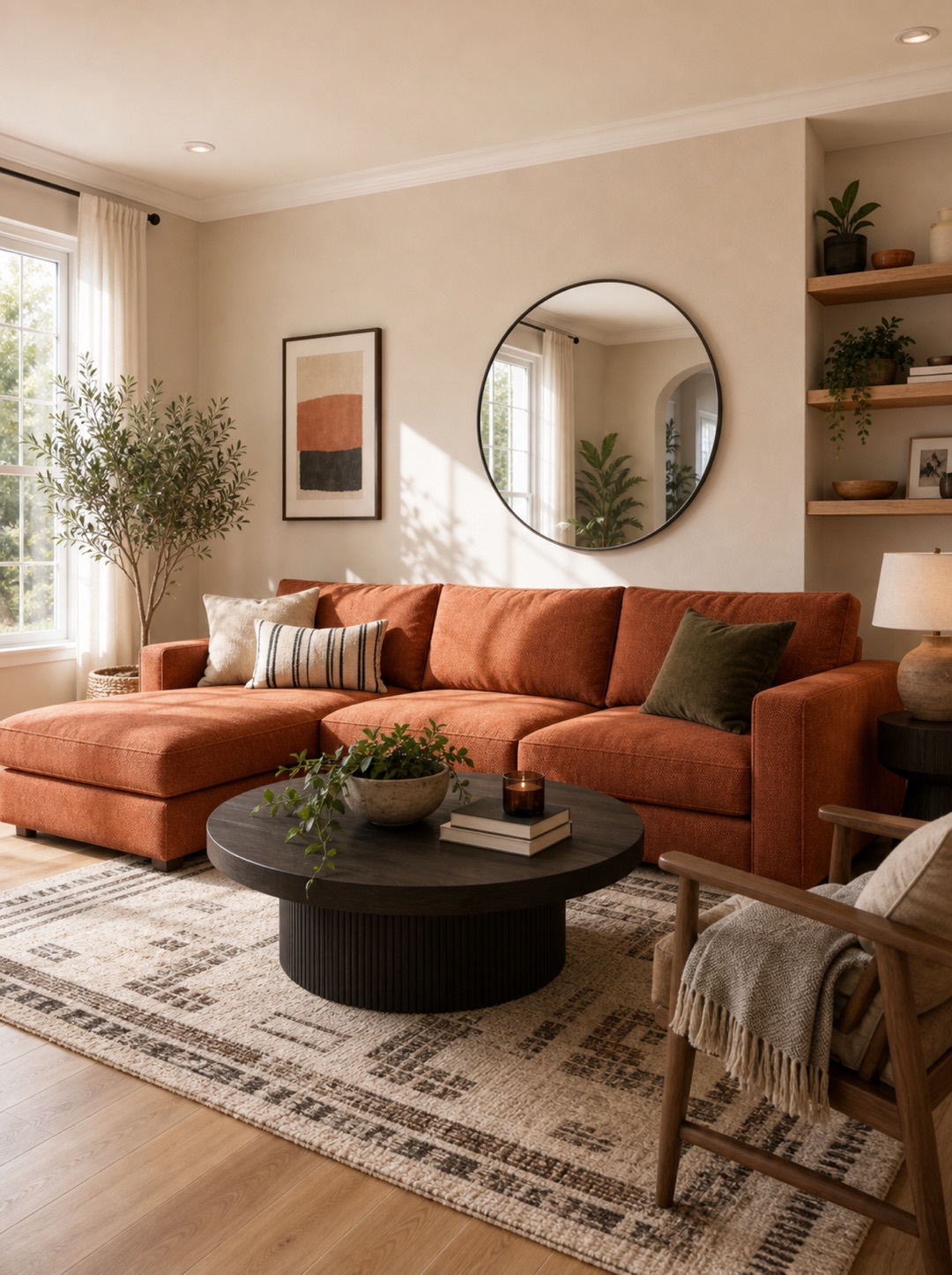
Interior Design
Explore a new direction for your room while keeping its identity recognizable.
See the feature ↗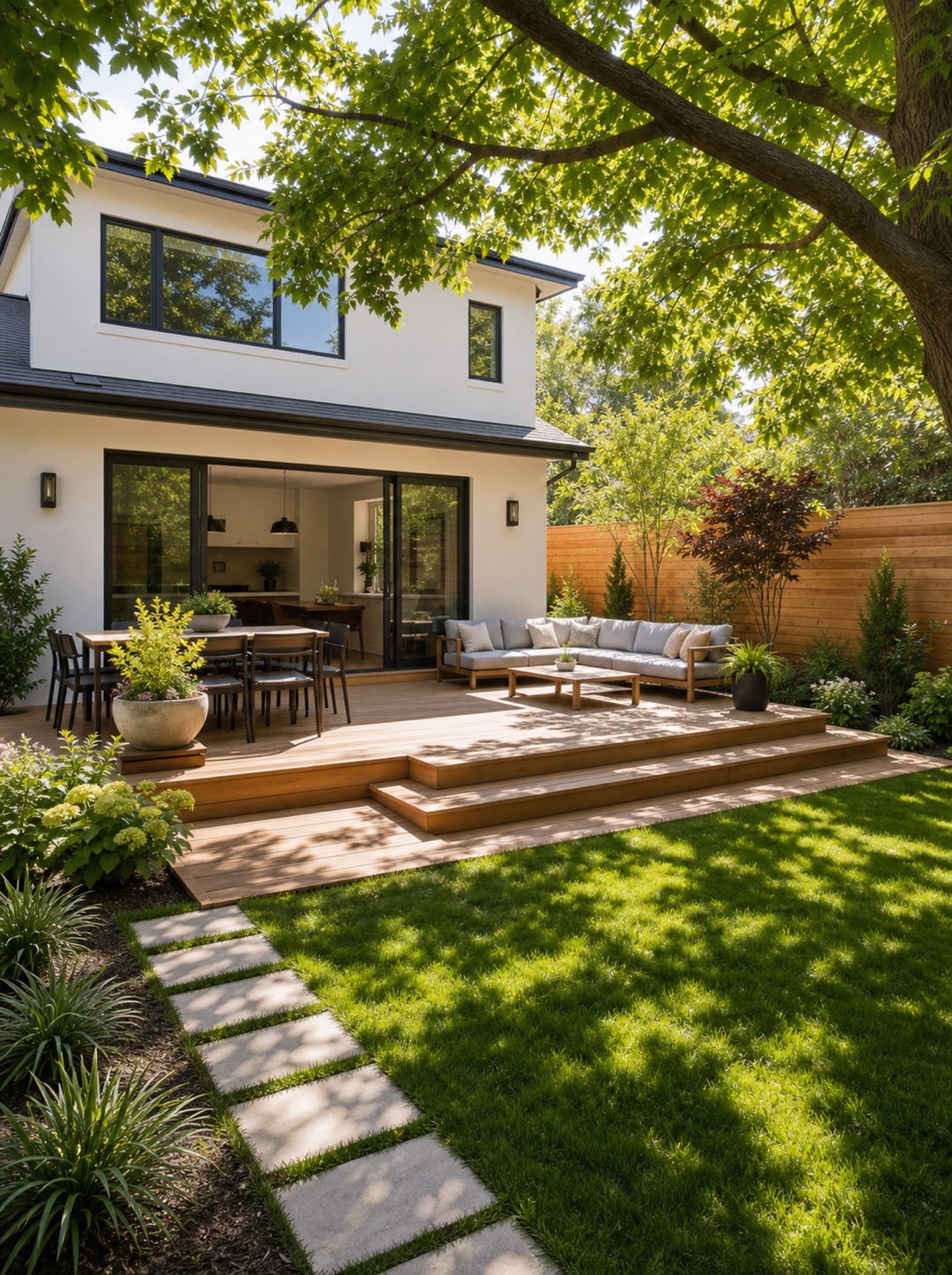
Garden Design
Test planting, pathways and outdoor living ideas around the space you already have.
See the feature ↗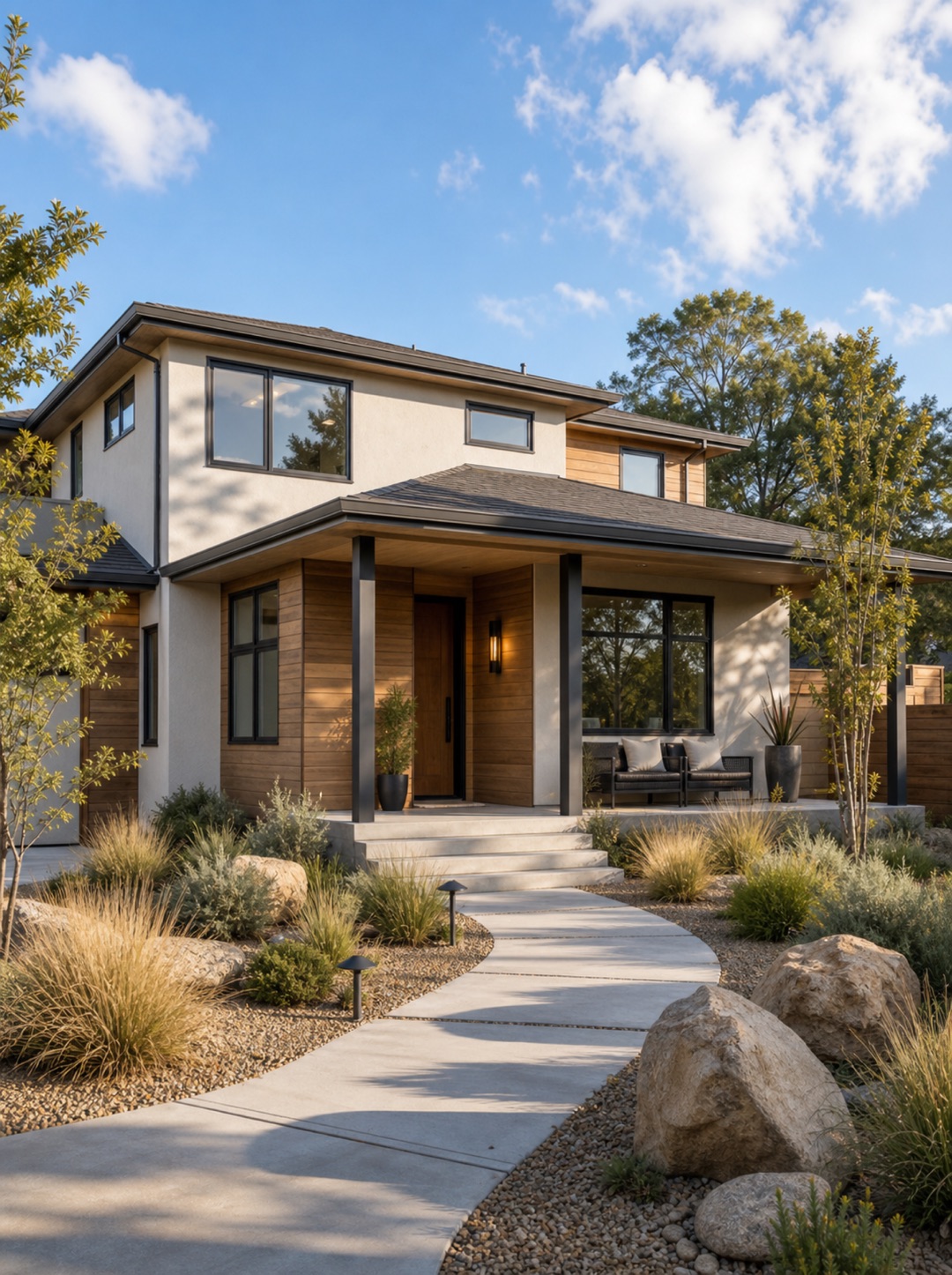
Exterior Design
Explore facade, material and landscape directions for the outside of your home.
See the feature ↗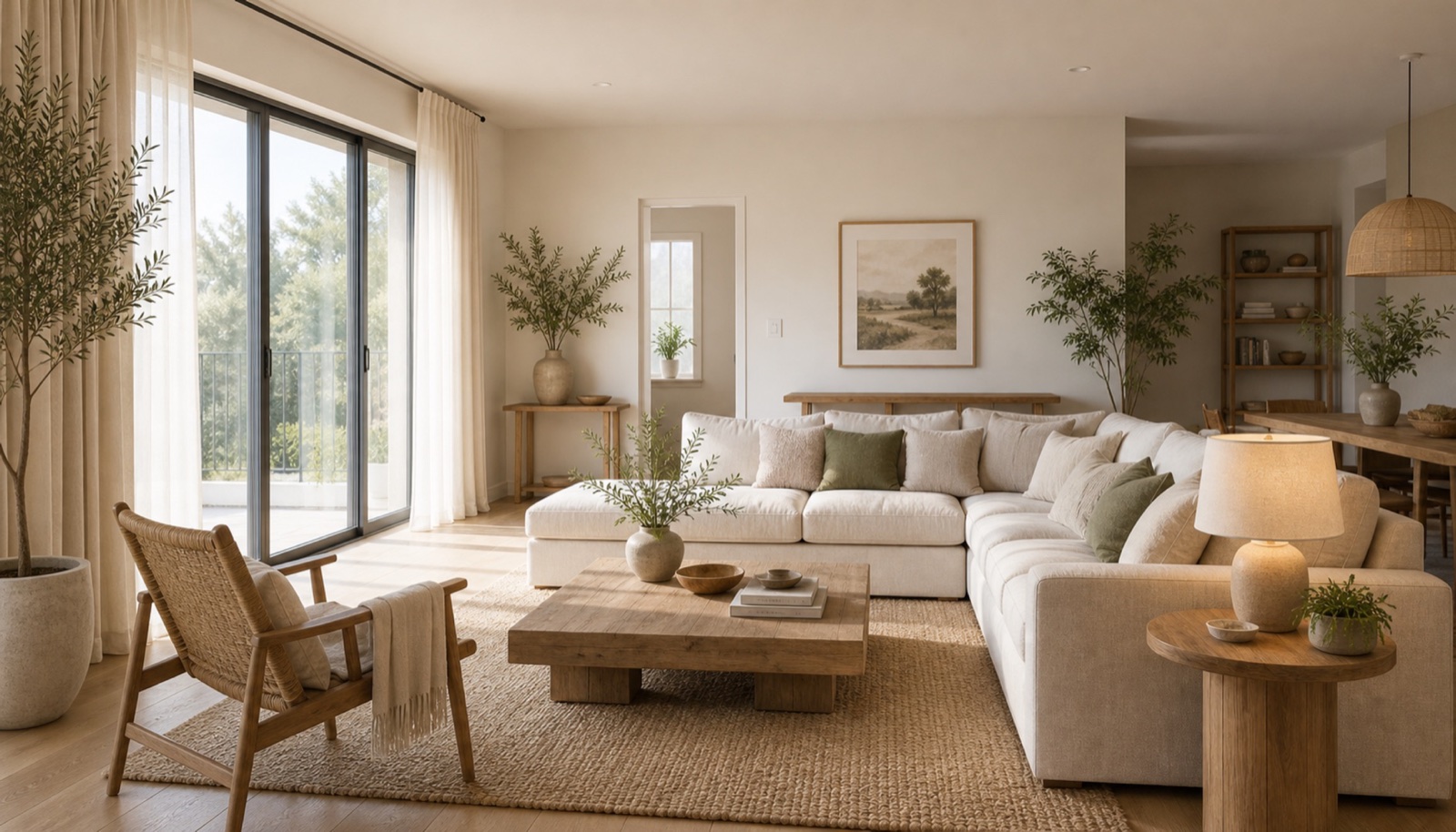
Paint Design
Preview a different color mood on the walls and surfaces already in your photo.
See the feature ↗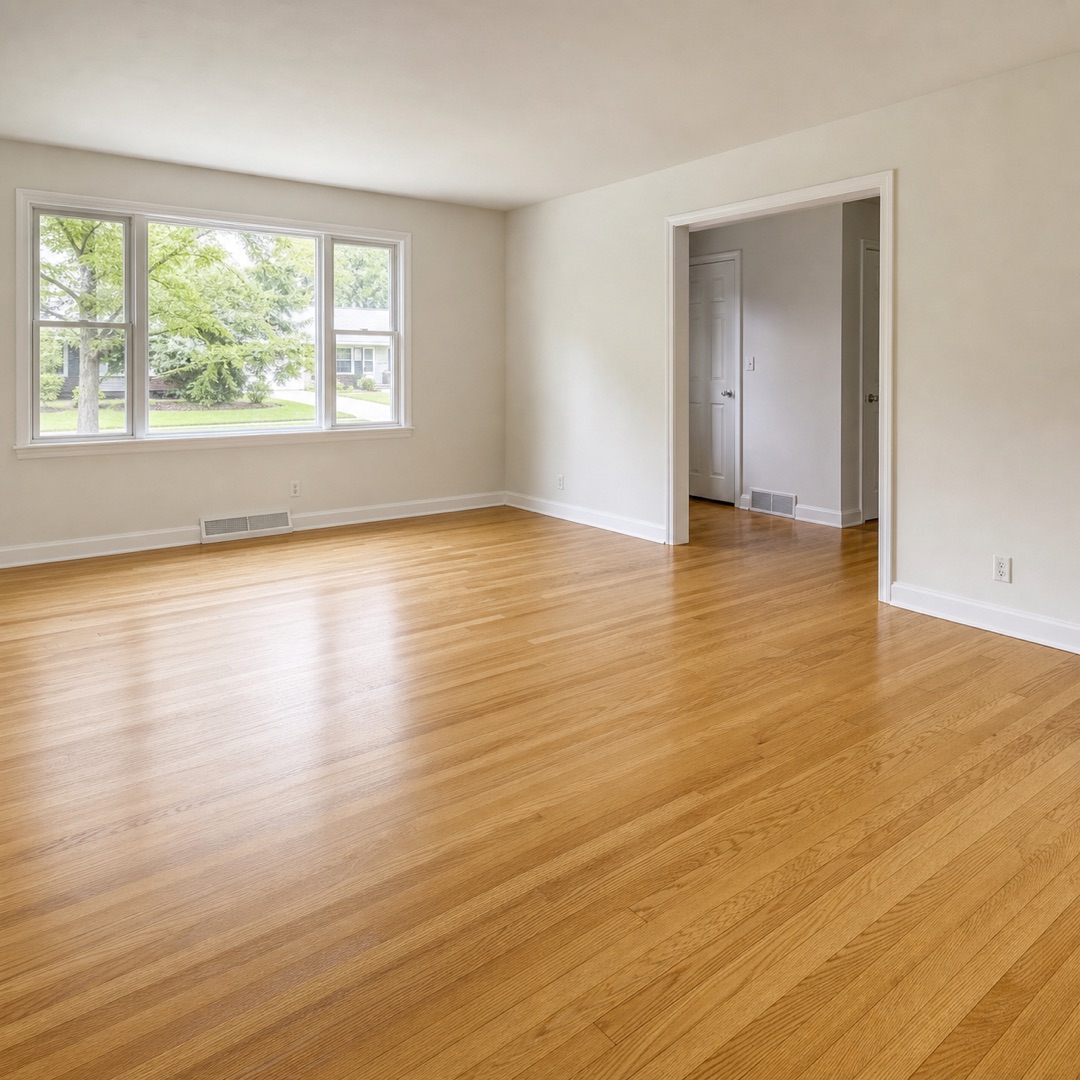
Floor Restyle
Compare flooring directions without mentally rebuilding the entire room.
See the feature ↗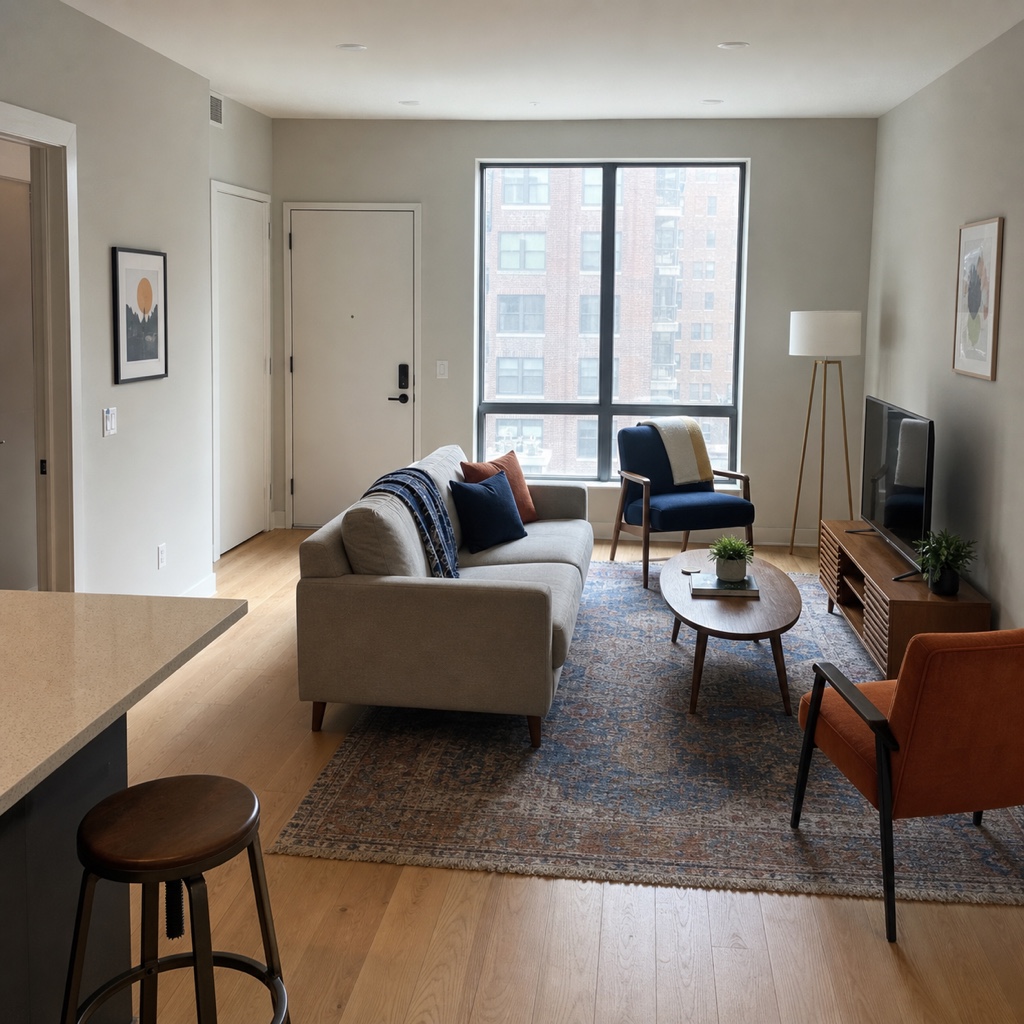
Layout Boost
Explore a more useful furniture arrangement and clearer movement through a room.
See the feature ↗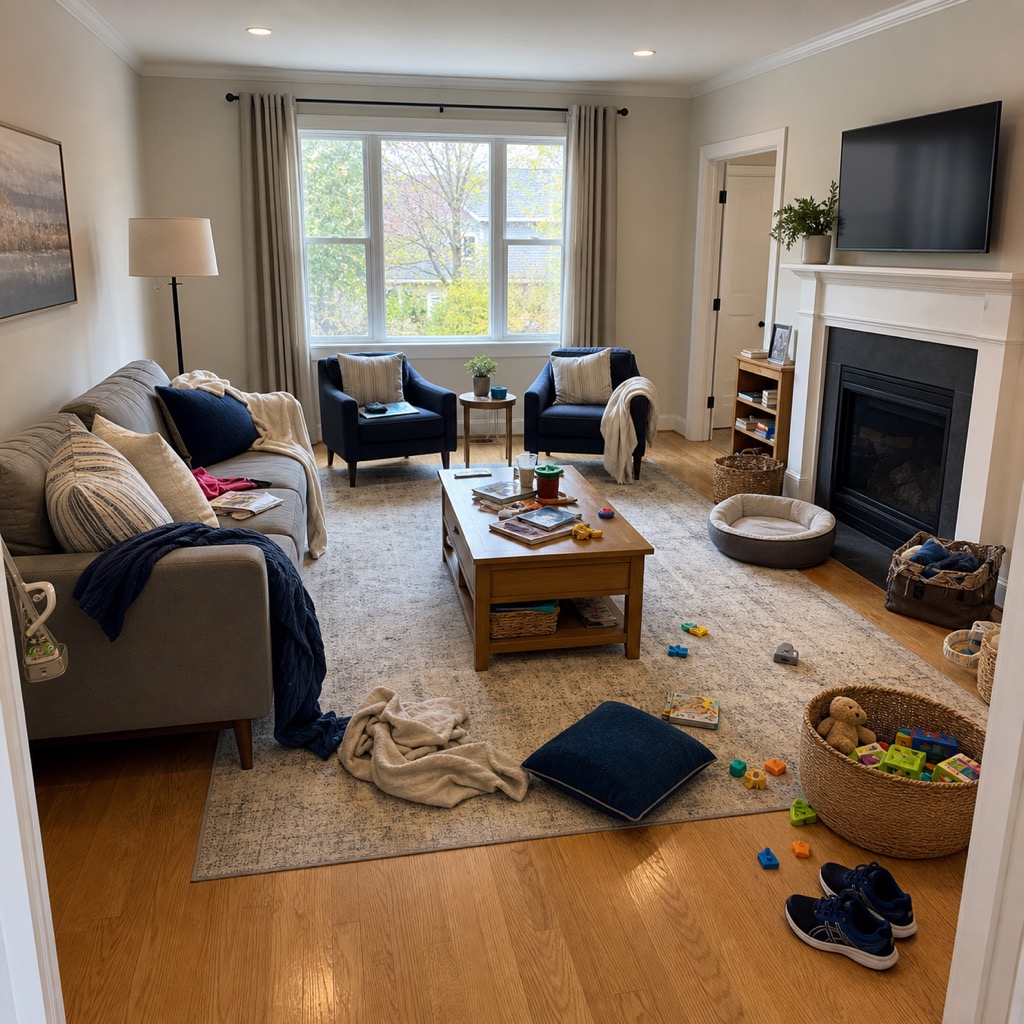
Clear Room
Remove visual clutter so the underlying space is easier to evaluate.
See the feature ↗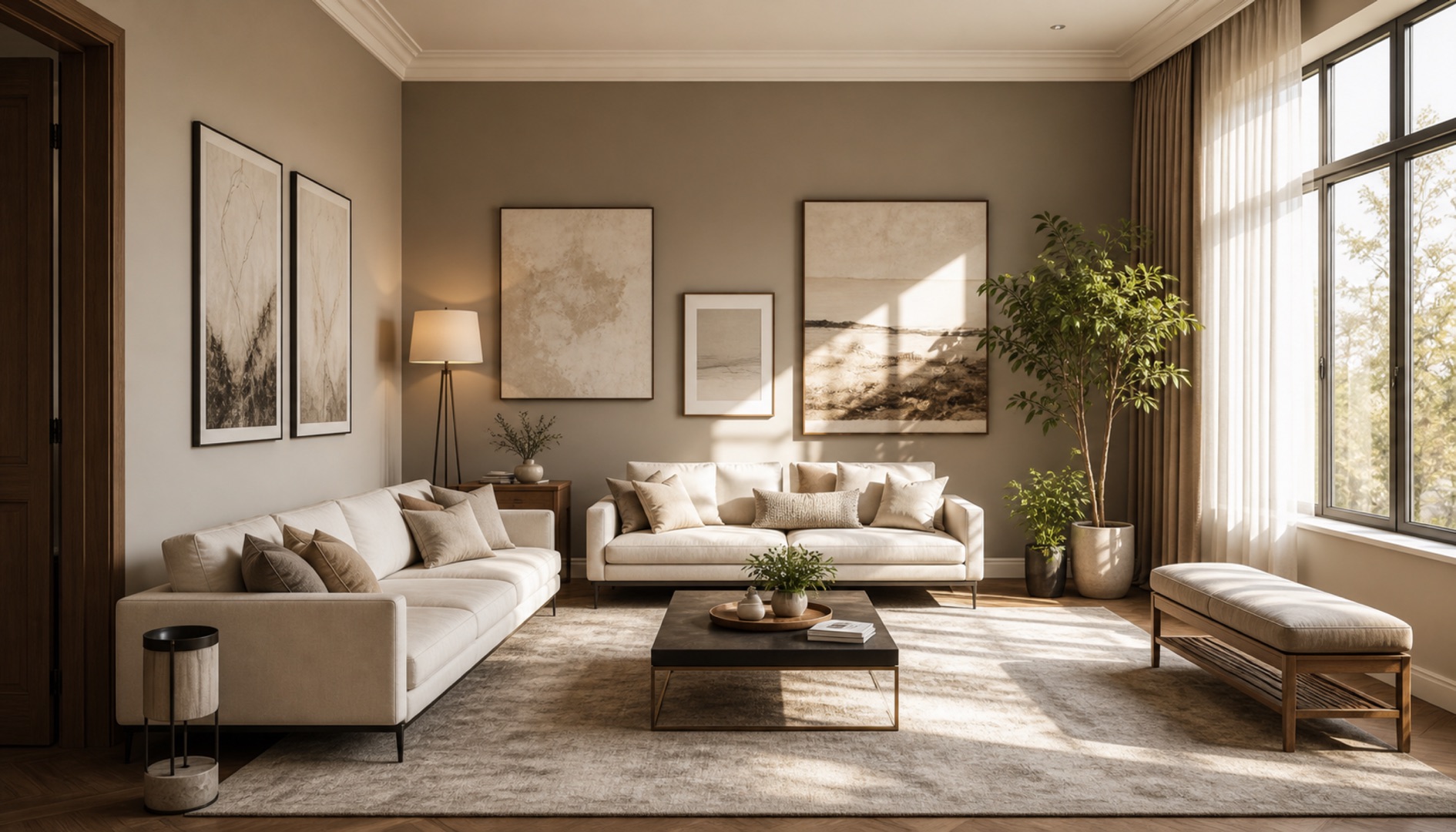
Replace
Explore one focused change while keeping the rest of the room in view.
See the feature ↗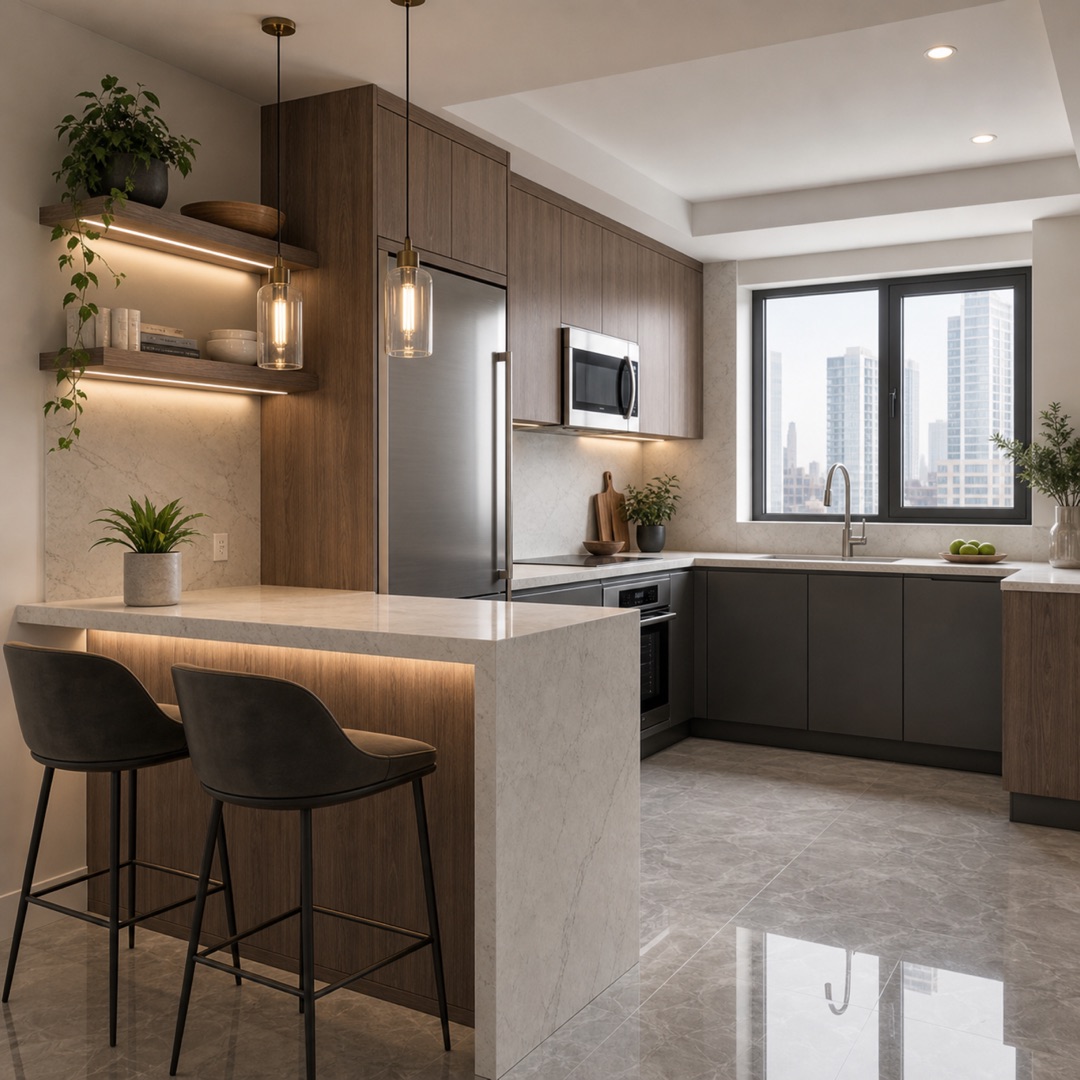
Reference Style
Use a visual reference to communicate atmosphere, palette and texture more clearly.
See the feature ↗Ready when your room is
Bring the next idea into view.
Start exploring your space from a photo with Room.AI on mobile.