Add
Edit · Room.AI
Clear Room
Start from a cleaner canvas
Create a quieter visual starting point, then focus on proportions, surfaces and the opportunities already inside the room.
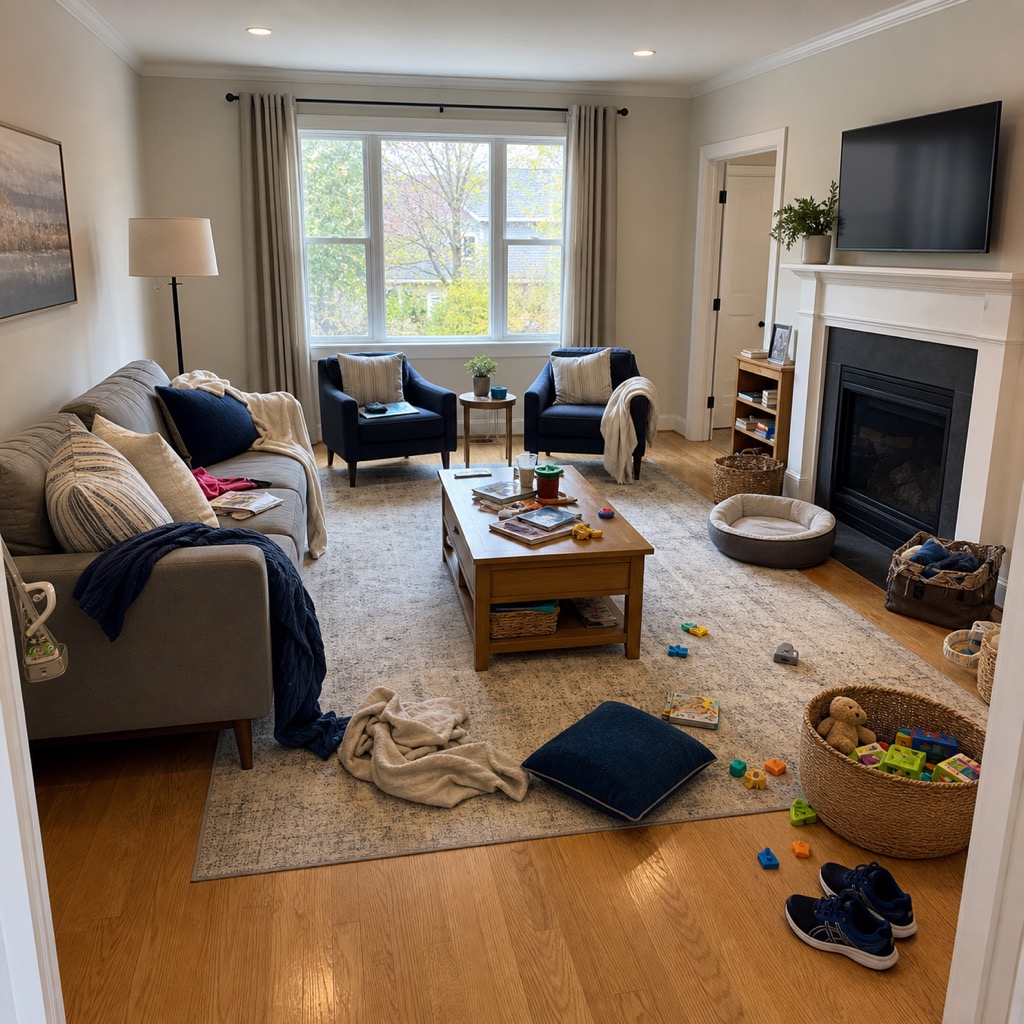 Feature preview
A focused guide
How to use Clear Room
Three clear actions take you from your photo to a concept you can evaluate.
Direct
Identify what should disappear
Compare
Review the quieter spatial canvas
Ready when your room is
Bring the next idea into view.
Start exploring your space from a photo with Room.AI on mobile.
Available on Google Play · iOS coming soon