How it works

A simple path from photo to possibility.

Use Room.AI to make a design conversation more visual, focused and easier to move forward.

The full workflow

The same three steps, with a little more guidance.

01
Start with what is real

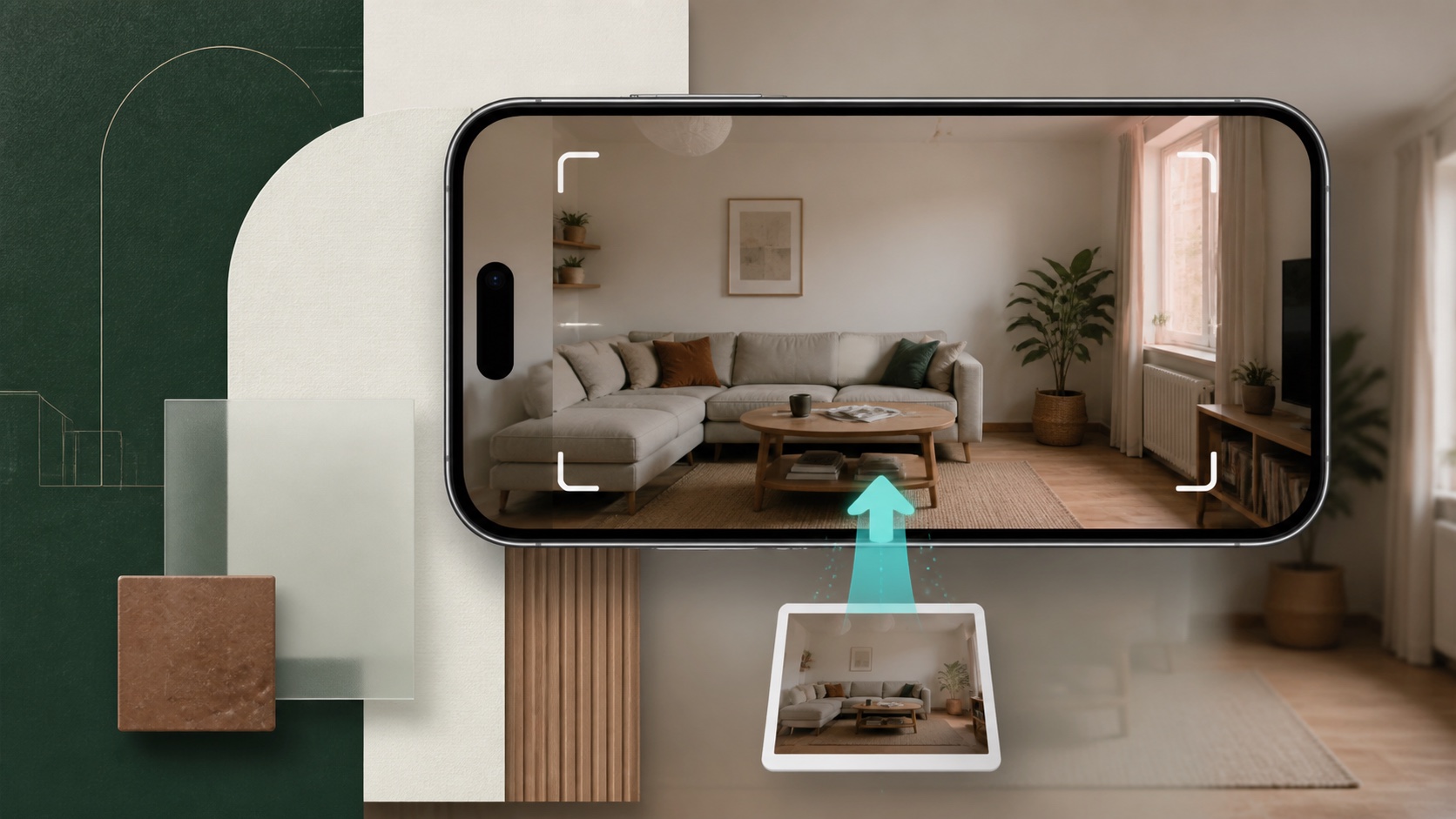
Share your space

A useful starting image keeps the shape, light and existing character of the space easy to recognize.

  • Show the full area when possible
  • Keep the camera level
  • Avoid filters and tight crops
A room ready to be photographed
02
Set the design question

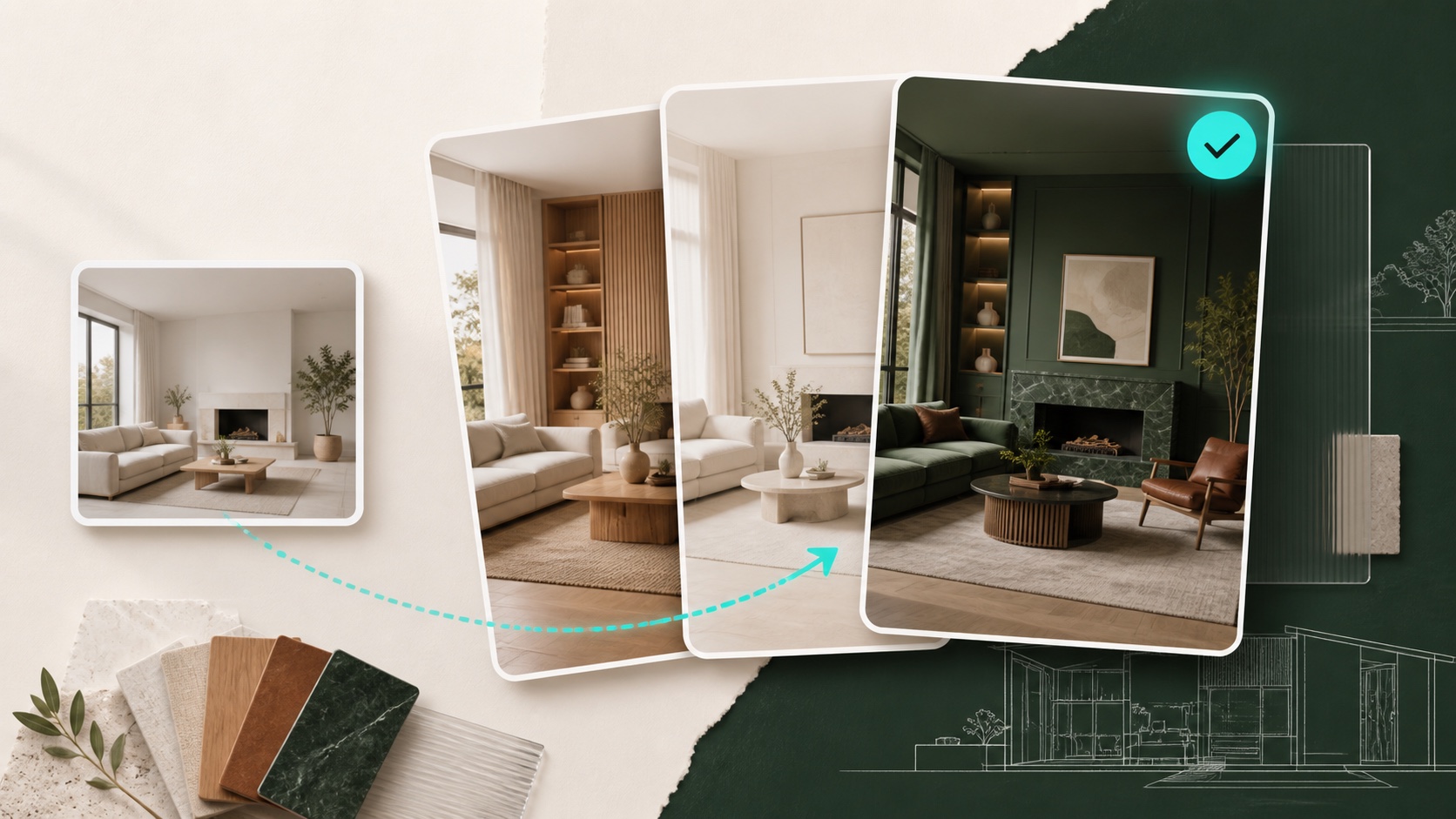
Choose a direction

Move from a broad design direction to a focused change without rebuilding the brief each time.

  • Choose the closest feature
  • Describe mood or material
  • Add a reference when useful
Materials and design directions
03
Make the idea discussable

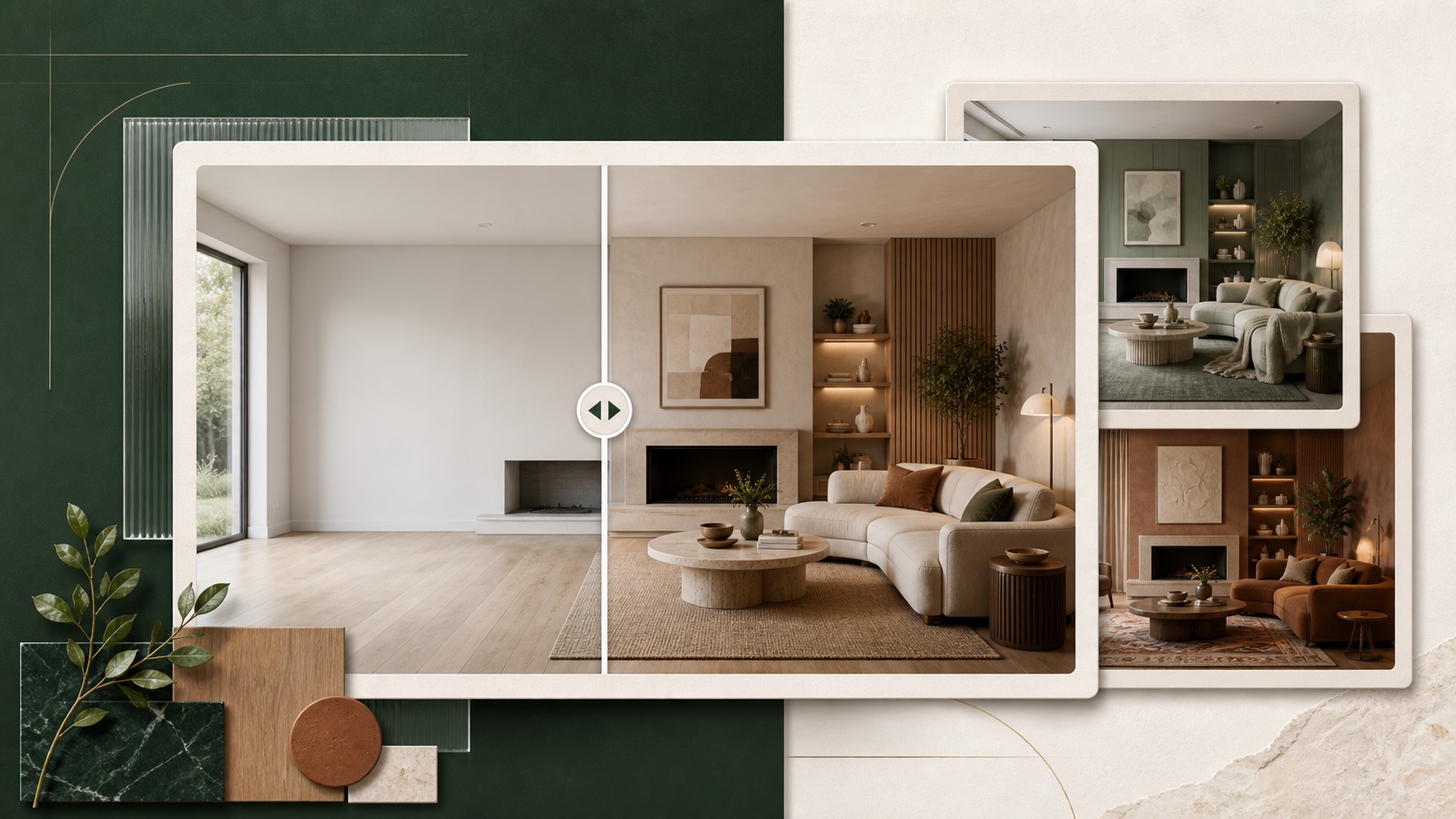
Compare the possibilities

The result becomes a shared reference for conversation—not a substitute for measurements or professional plans.

  • Compare the whole composition
  • Save the strongest direction
  • Verify real-world feasibility
Several design possibilities

Ready to explore a space of your own?

View download options

Ready when your room is

Bring the next idea into view.

Start exploring your space from a photo with Room.AI on mobile.

GET IT ONGoogle PlayCOMING SOON ON THEApp Store
Available on Google Play · iOS coming soon